Excel Custom Styles for Finsyte
When a user loads a Finsyte report template, it may add several Finsyte-specific custom cell styles accessible under the Home Ribbon > Cell Styles.
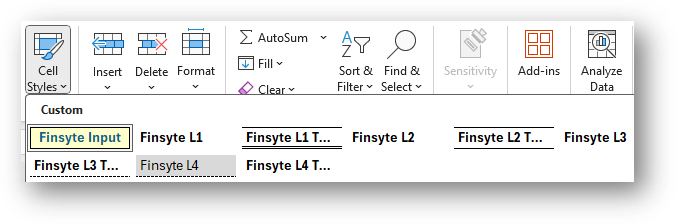
These cell styles are primarily used inside of the Report Templates available from the Finsyte ribbon.
Note
The formatting that is currently in use is a standard Accounting format used by many professionals.
Editing Cell Styles
To edit cell styles if you would like to apply different formatting to existing reports that utilize the styles or future templates to be created, you can follow the steps below:
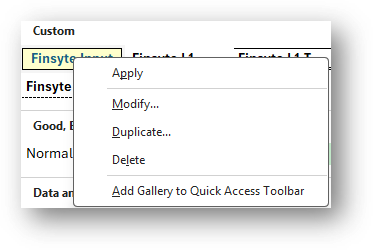
- Select the home ribbon and choose Cell Styles. Right click on a style to Modify it as seen in the screenshot below.
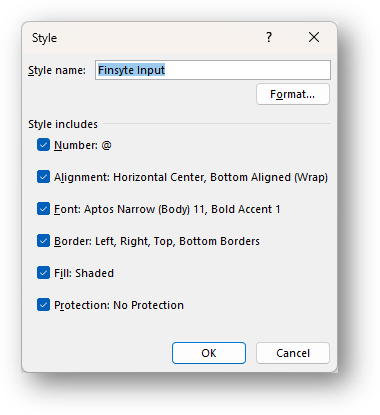
- Upon selecting Modify, a window will appear explaining every piece of the format that has been created. Selecting Format... will enter a user into the editor where adjustments can be made.